@pixelsage 0
Create like a studio. Without the studio budget.
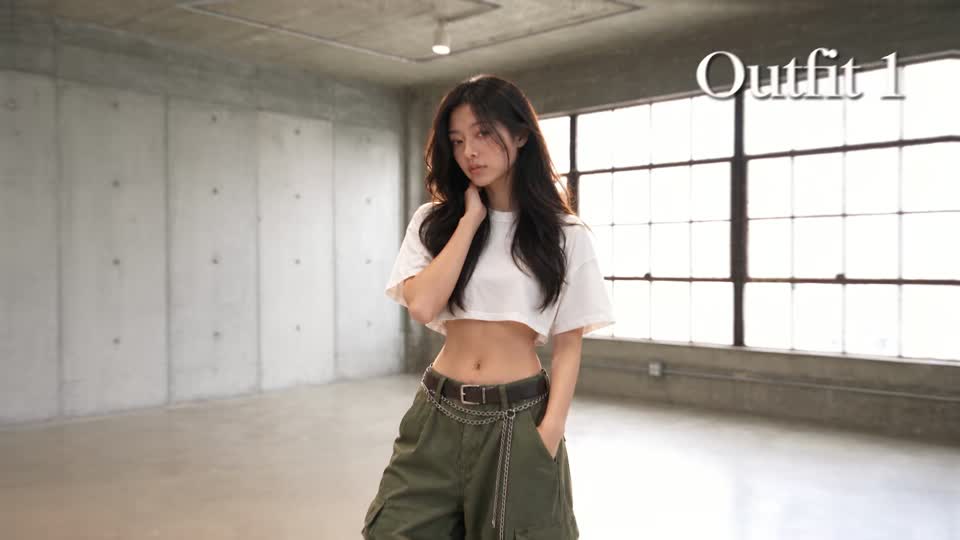
How do I create an AI influencer?
Build a fictional persona in Renderbuff, then use reference images with supported models to develop new looks and scenes. Image and video generation share one studio and library, making it easier to build content around the same character. Review each result for identity consistency before publishing.
How do I turn a product photo into a video?
Upload your product photo to an image-to-video model in Renderbuff and describe the movement, lighting, and setting. Choose from multiple video models in the same studio and see the credit cost before each generation, so you can explore different campaign directions. Check labels, shape, and color in the results.
How do I turn a script into cinematic shots?
Break your script into shots, develop reference frames, and generate the scenes in Renderbuff. Access image and video models in one studio, with your results saved together and a credit quote before you generate. That gives you a place to explore the film’s visual direction before assembling the shots in your editor.
How do I make a video ad without hiring a production crew?
Create campaign images and short video ads in Renderbuff with multiple AI models in one studio. Explore different hooks and visual directions, see the credit cost before generating, and keep your results in one library—so you can develop a campaign without coordinating a shoot. Assemble your selected shots in your editor.
How can I plan a fashion campaign without a photoshoot?
Explore campaign looks in Renderbuff before committing to a shoot: change the setting, mood, and visual direction with AI images, then develop short video shots in the same studio. Keep your shortlisted results together in your library. Where supported, use reference images and review clothing details for accuracy.
HotNewTop
AllImagesVideoMusic

@creatorhideout 0

@creatorhideout 0

@pixelsage 0

@pixelsage 0

@pixelsage 0

@pixelsage 0

@pixelsage 0

@pixelsage 0

@pixelsage 0

@pixelsage 0

@pixelsage 0

@pixelsage 0

@pixelsage 0

@pixelsage 0

@pixelsage 0

@pixelsage 0

@pixelsage 0

@pixelsage 0

@pixelsage 0

@pixelsage 0

@creatorhideout 1

@pixelsage 0

@pixelsage 0

@pixelsage 0


@creatorhideout 0

@creatorhideout 0

@creatorhideout 0

@creatorhideout 0

@creatorhideout 0

@creatorhideout 0
@creatorhideout 0


@creatorhideout 0

@creatorhideout 0

@creatorhideout 0

@creatorhideout 0

@creatorhideout 0

@creatorhideout 0